
How to Make Car Decals with Cricut
Looking for an easy gift or simply want to learn how to make car decals with your Cricut? You’re in the right place. Making your own vinyl window stickers might be one of the easiest and most satisfying Cricut crafts.
Disclosure: Some links on this page are affiliate links – meaning if you click through and make a purchase, I may receive a commission at no additional cost to you. For more information, read our full affiliate disclosure here.
Below, I’ll walk you through the entire process using your cutting machine (Cricut Maker, Explore Air, Joy or Siser Juliet, etc) so you can create your own car decal or window sticker.
Blog Hop: I’ve also teamed up with some creative friends to share even more free SVGs at the end of this post, including my “Tell Your Dog I Said, Hey!” design, perfect for car windows (and they make great gifts too!).

What You Need to Make Car Decals with Cricut
You don’t need much to make custom car decals, but the type of vinyl you choose is key. Since car windows face rain, snow, and sun, you’ll want permanent adhesive vinyl for best results.

Car Decal Supplies:
- Permanent vinyl: My go-to is Oracal 651 or Siser Permanent Vinyl for outdoor use. It sticks well to glass and lasts a long time. Siser EasyPSV is another great option for permanent outdoor vinyl.
- Cutting machine: Any Cricut Maker, Cricut Explore Air, or Cricut Joy will cut your vinyl design perfectly.
- Cutting mat: Use the standard green mat for most vinyl projects.
- Cricut scraper tool or burnishing tool.
- Transfer tape (this transfer tape works great).
- Rubbing alcohol and a paper towel for cleaning.
- Scissors or craft knife.
Before cutting, wipe down your car windows with rubbing alcohol, NOT glass cleaners, to remove oils and residue. This helps the vinyl stick better and stay put in all kinds of weather. Let dry 10 mins.
Removable Vinyl vs. Permanent Vinyl
You’ll see different types of vinyls when shopping, and it’s important to know which one to grab.
- Permanent vinyl: Designed for outdoor vinyl projects like car decals and bumper stickers. It’s the best option for outdoor use because it can handle harsh weather conditions and sunlight.
- Removable vinyl: Perfect for window clings or temporary designs. It won’t damage glass when you peel it off but doesn’t hold up well outdoors.
If you’re unsure, go with permanent outdoor vinyl to make sure your design lasts a long time.
What About Printable Vinyl?
Printable vinyl is another fun choice if you want custom stickers or full-color vinyl car decals. You can print your design on a printable material using an inkjet printer and then cut it with your Cricut Maker or Cricut Explore Air.
Printable vinyl can be a bit of an additional cost, but it’s great for creating colorful designs or even bumper sticker-style projects. Just remember, printed designs fade faster over time, so for outdoor vinyl projects, permanent vinyl is still the winner.
FREE SVG HERE
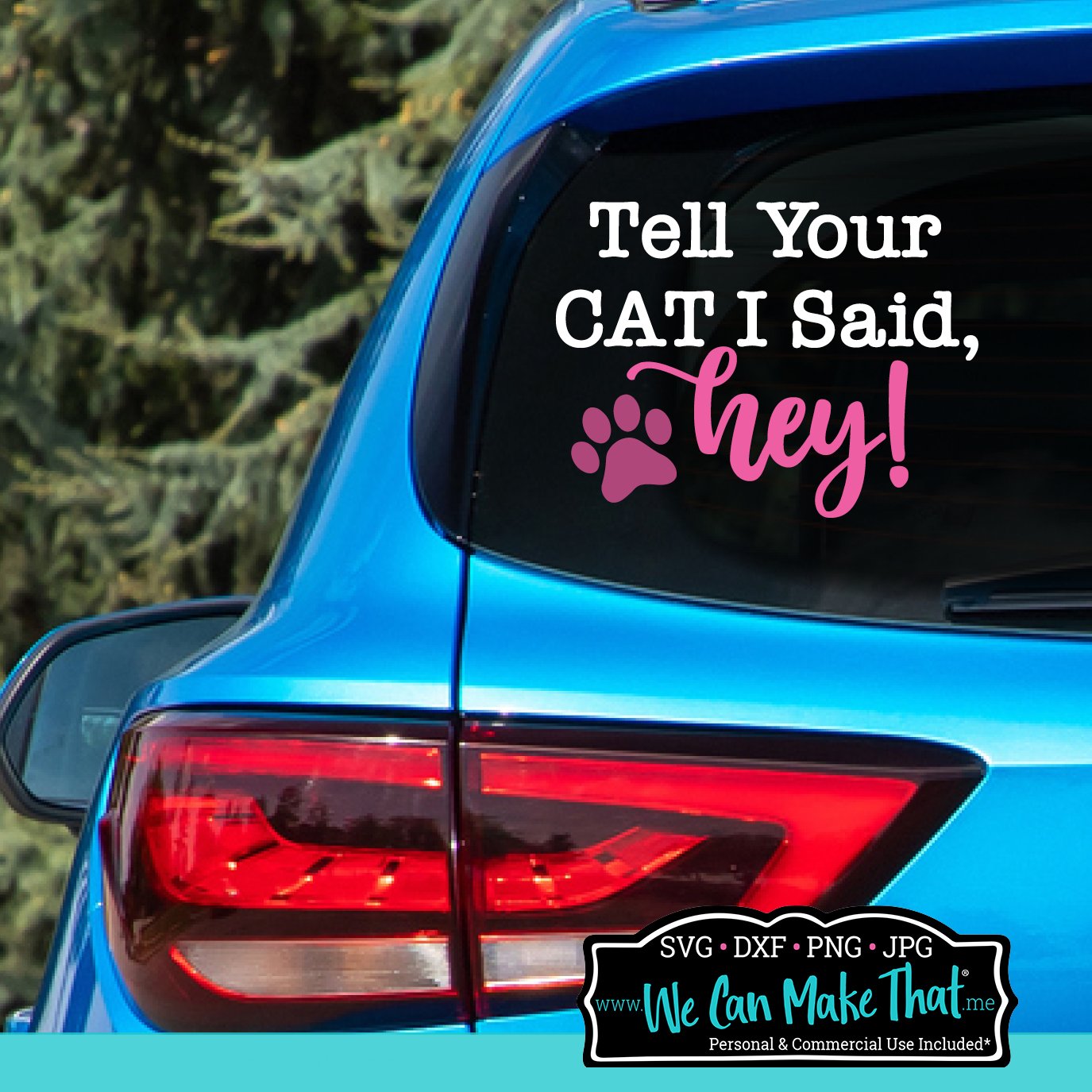
This car decal window sticker ideas cut file comes with digital files in multiple types of files: SVG, PNG, DXF, and JPG. That means it’s easy to make a physical product or just whip up a little something fun for a gift or yourself.
It’s perfect for holiday gifts, tote bags, or adding humor to your next hoodie.

Pro Tips for Perfect Car Decals
- Keep designs simple. Intricate designs are harder to apply.
- Use outdoor vinyl for durability. Indoor vinyl won’t hold up to sun or snow.
- Burnish from the center out to remove air bubbles before applying.
- Use a tiny needle to poke air bubbles if they don’t come out with the scraper tool.
- Avoid washing your car for 24 hours after applying to let the adhesive cure.
- Try holographic vinyl or metallic finishes for something eye-catching.

Step-by-Step Instructions: How to Make a Car Decal with Cricut
Follow these simple steps to make your first Cricut car decal.
Step 1: Choose Your Design
Pick a simple design so it’s easy to read from a distance. You can find my free SVG “Tell Your Dog I Said, Hey!” in my SVG shop.
If you’re using your own vinyl decals, open the Cricut Design Space app and upload the SVG or choose any design at this point.
Step 2: Adjust Your Cut Image
Resize your vinyl design to fit your car window. Smaller decals work great on back windows, while larger designs can fill the rear side passenger windows.
Step 3: Select the Type of Vinyl
In Cricut Design Space, choose your vinyl material setting. Set your cutting machine (Maker, Explore Air, or Joy) accordingly and place your vinyl transfer paper down on the cutting mat. Proceed with cutting.
Step 5: Weed the Excess Vinyl
After cutting, peel away the excess vinyl around your design. Go slow, especially on small text or thin lines. Use a weeding tool or tweezers for tiny pieces.
Step 6: Prep the Car Surface
Before applying, wipe your car windows with rubbing alcohol and let dry completely. Avoid glass cleaners since they can leave a residue that prevents the vinyl from sticking.
Step 7: Apply Transfer Tape
Cut a piece of transfer tape to cover your design. Press it down with a Cricut scraper or burnishing tool to get good contact with your vinyl. Carefully remove the paper backing.
Step 8: Apply to the Window
Place your design on the cleaned glass. Use the scraper tool to press it down firmly, starting from the center and working out to remove air bubbles.
If you still see small bubbles that won’t come out, use a tiny needle to poke air bubbles and smooth them flat.
Step 9: Peel and Reveal
Slowly remove the transfer tape, pulling at an angle. If a letter lifts, press it back down and burnish again.
Stand back and admire your custom car decal! You just made a professional-looking project for a fraction of the price.
Bonus: Ideas for Cricut Car Decals
Once you make one, you’ll want to make them all. Here are a few ideas to get your creativity rolling:
- Gift idea: Car decals make thoughtful, personalized gifts for friends or family.
- Promote your craft business: Add your logo or website to your car windows to advertise your shop. (You can read more about this in my business blog section).
- Local businesses: Reach out to local shops or pet groomers and offer to make custom car decals for their vehicles. It’s an easy project that helps small businesses stand out.
Newest SVGs In The Shop
-

-
Basketball Mom SVG$3.00
-
Best Teacher Ever SVG$3.00
-
One Loved Teacher SVG$3.00
-
-






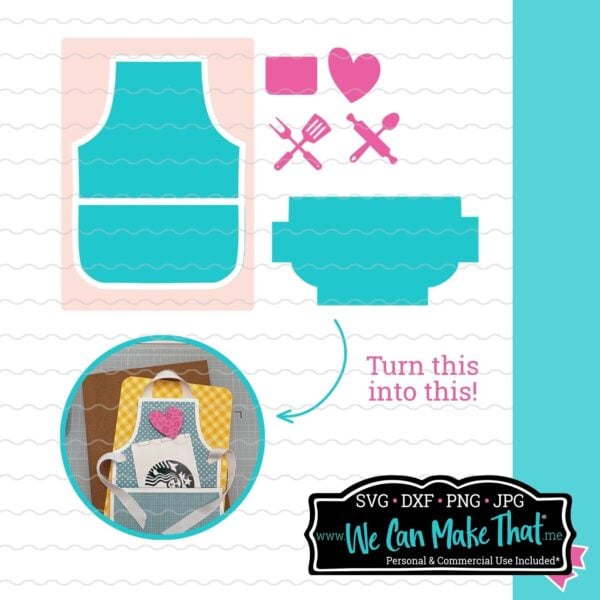
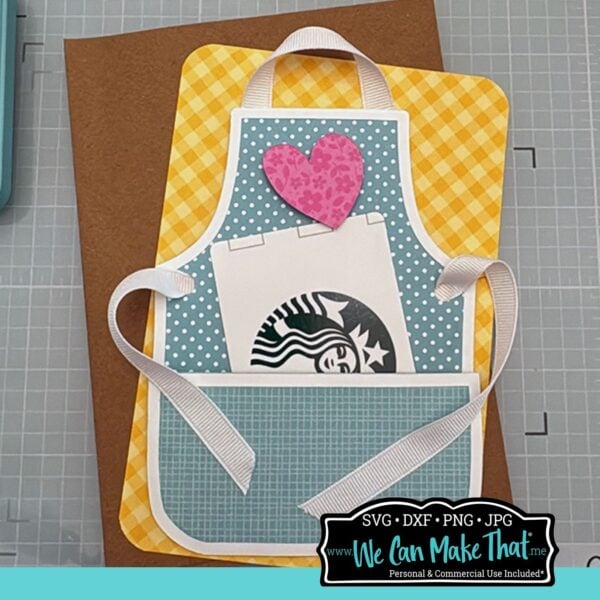
These are all downloadable digital files that work with Cricut Design Space, Silhouette Cameo, and other popular cutting machines. With the right file formats included, you’ll be able to cut vinyl, paper, or use heat transfer vinyl for physical items.
Making vinyl car decals with your Cricut
Making vinyl car decals with your Cricut machine is a great way to show off your personality, share your small business, or surprise a friend with a fun design.
Don’t forget to grab my free SVG file, “Tell Your Dog I Said, Hey!” from my Free Resource Library and check out the rest of the free SVGs from my creative friends below. You’ll find even more window decal ideas to make with your Cricut Maker, Explore Air, or Joy.
Available with both a personal use license and a commercial license, this free file can be used for creative projects just for family or for small businesses that want to sell Thanksgiving crafts at fairs or online (find more business craft things here).
Free Car Decal SVGs from My Creative Friends
Ready to make your own car decal?
Grab some permanent vinyl, open your Cricut Design Space app, and start crafting! Whether you make one for yourself or as a gift, these Cricut crafts are easy, affordable, and totally fun.
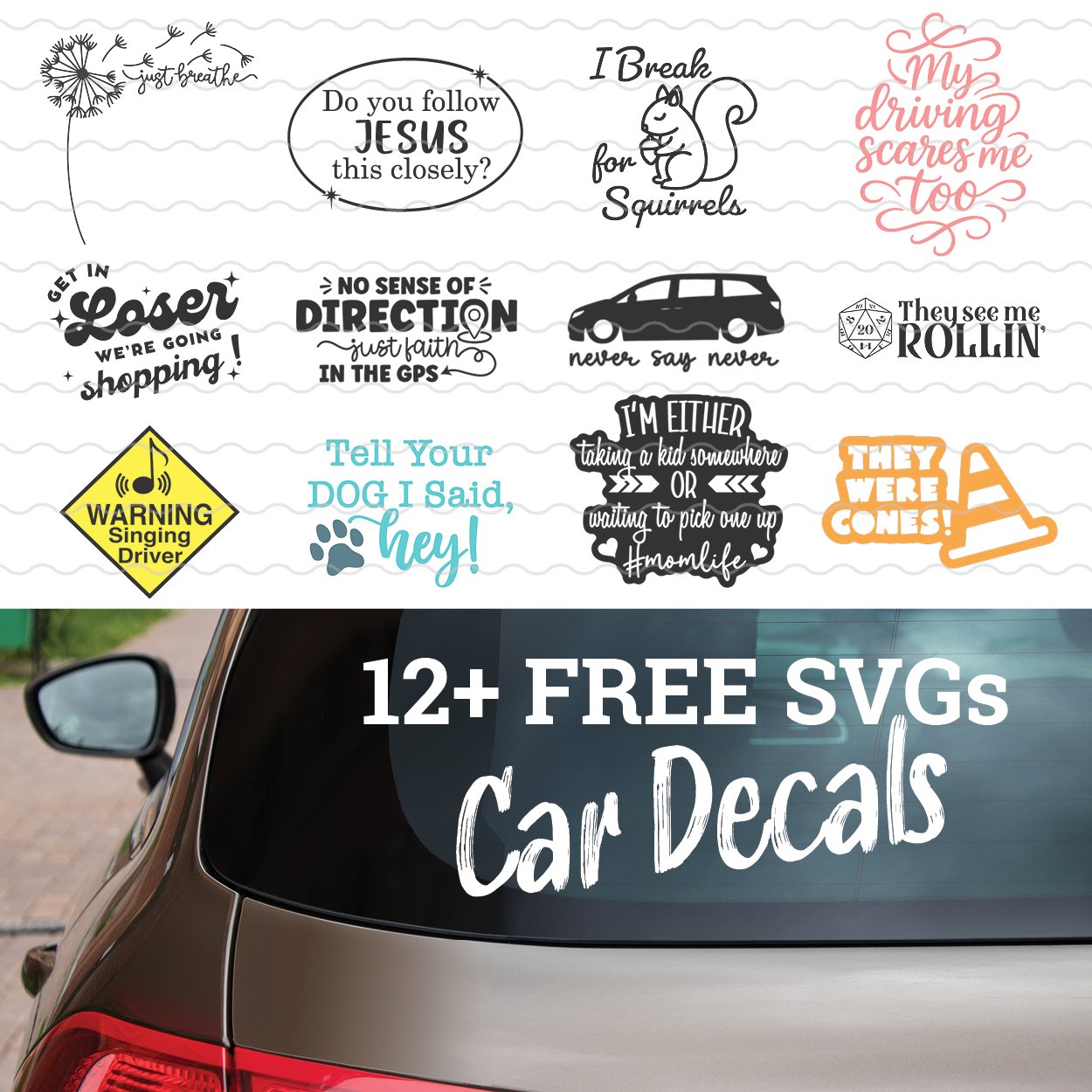
- We Can Make That – Tell Your Dog I Said HEY!
- Sunshine and Munchkins – Never Say Never Minivan Life
- Gina C. Creates – Get in loser we are going shopping
- Harper N Co – I Break for Squirrels
- Hello Creative Family – Just Breathe SVG
- Kiy’s Craftroom – Do you follow Jesus this closely?
- Main Road Digital Creations – No Sense Of Direction
- The Scrap Shoppe – #MomLife
- Try It – Like It – Create It – WARNING Singing Driver
- Tried & True Creative – 20 Sided Dice
- Crafting in the Rain – They Were Cones!
- Dinosaur Mama – My Driving Scares Me Too
Connect with Chelly!
Vinyl Crafts to make with your Cutting Machine
Check out some of the other craft tutorials on my blog.