

Craft Business Planner: The Planner I Made for Makers Who Do It All
Are you self-employed? A maker or artisan? Or a solopreneur? A creative business owner looking for a craft business planner… Whatever you call yourself, you’re probably the one doing it A.L.L. You’re the one doing the creating, accounting, janitor work, social media, website maintenance and marketing.
Disclosure: Some links on this page are affiliate links – meaning if you click through and make a purchase, I may receive a commission at no additional cost to you. For more information, read our full affiliate disclosure here.
That’s exactly why I made a craft business planner. Not another pretty calendar, but a planner for makers who sell what they make: at craft shows, on Etsy, in their own shop or online.
It’s a business tool that removes overwhelm and helps you stay focused, but it won’t take you hours to fill in or maintain!
What Is a Craft Business Planner?
A craft business planner is a business planner made for the way makers actually work. You’re not just tracking appointments. You’re making, listing, shipping, posting, marketing and promoting, sometimes all in the same day.
A good one gives you one place to run your business:
- Decide what to make and what to promote each month.
- Plan what to post, so your posts point people to what you sell.
- Track your numbers: sales, followers and your email list.
- Fit the business around real life: kids, a day job and craft show weekends.
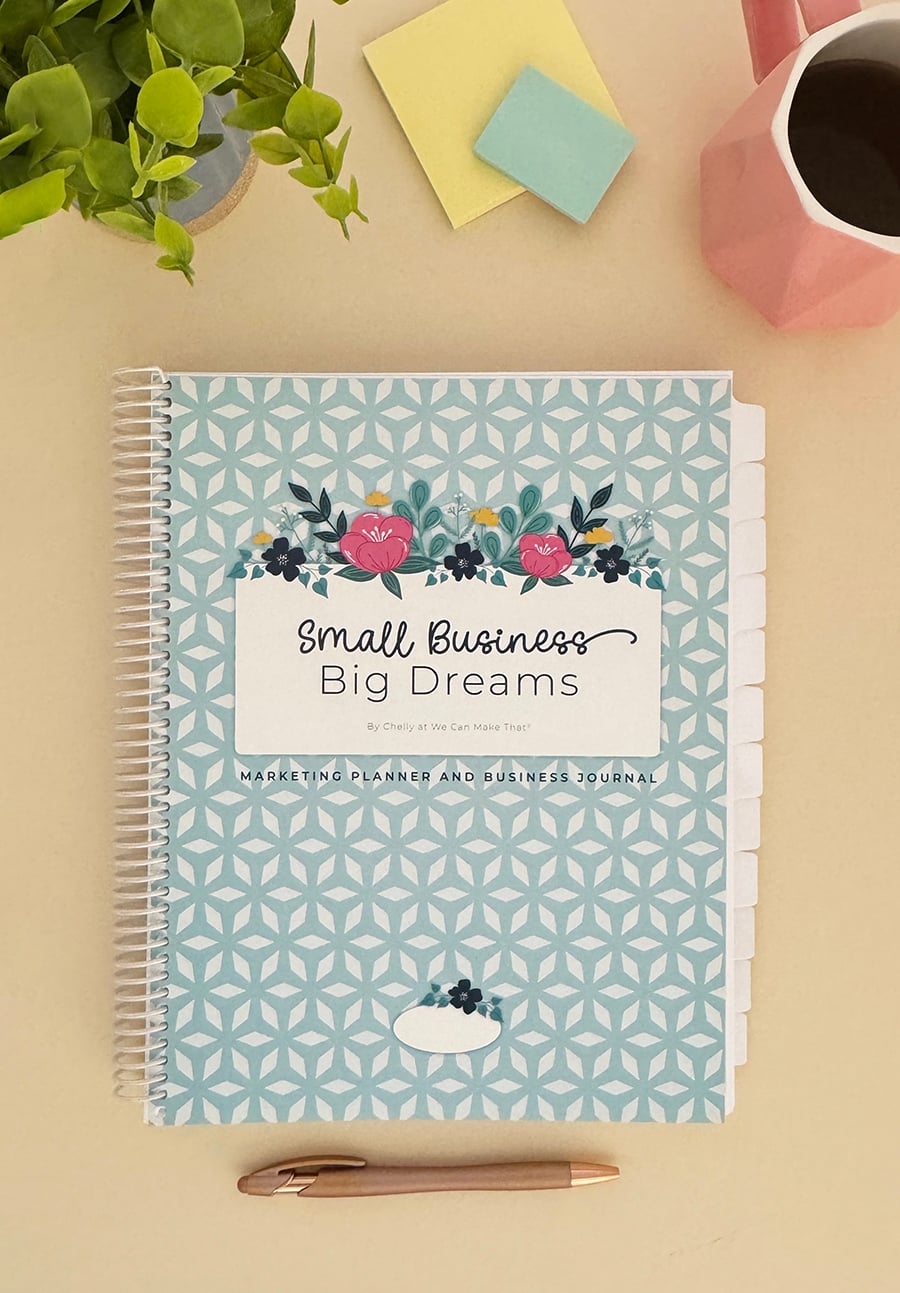
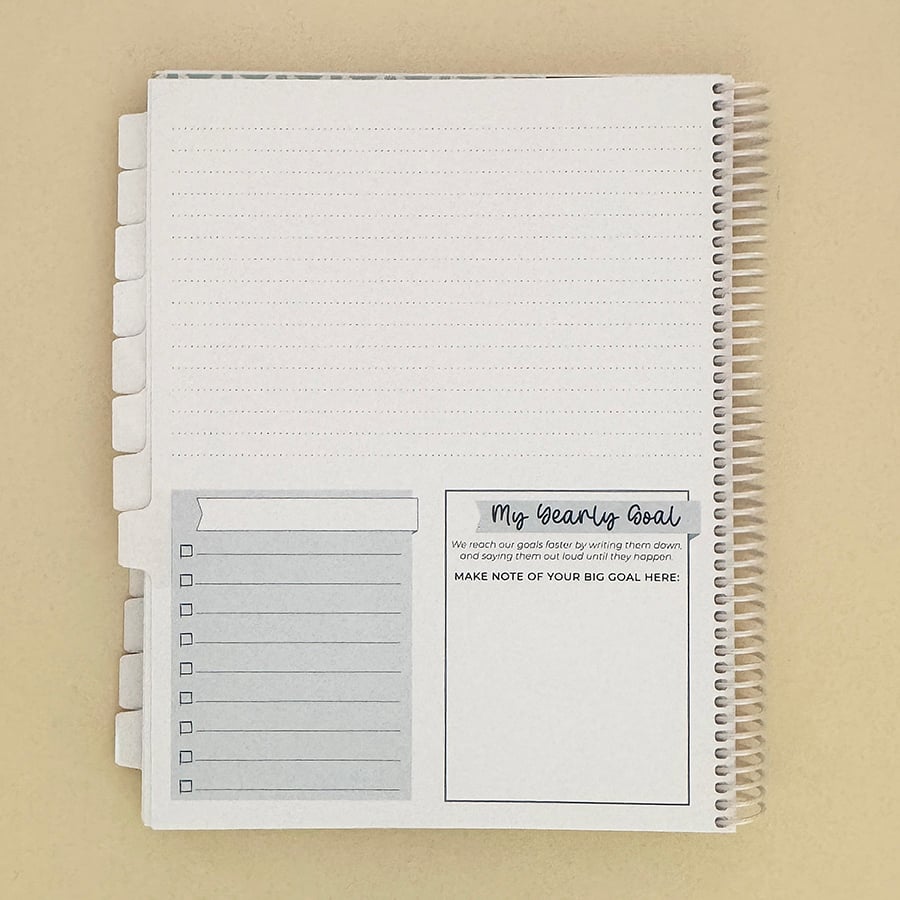
That’s what my Small Business Marketing Planner does. Whether you call yourself a crafter, a maker, online creator, or a creative, it works as your marketing business planner, Etsy business planner or handmade business planner, because it’s built around selling what you make.

How This Planner Was Started
It’s hard to keep up with it all, isn’t it? There are barely enough hours in a day to get the fun things done, much less create original content that helps you grow your business from where you are today.
That was me anyway. I had three websites to maintain and four business divisions to manage (plus, my hubby and I have 5 kids, and during the high school years the house was BUSY!). And don’t forget the day job where I do marketing and design for local clients. IT’S A LOT, and I know you can relate.
I needed help. I looked at hiring someone, but most things in my business weren’t ready to pass on (or I couldn’t afford it) until 4 years in. Or we tried, and the end result wasn’t up to my business’s standard.
So the solution? I decided to create my own little virtual personal assistant: my planner.
From Sticky Notes to a Real Plan
This didn’t happen overnight. It was in the works for months! Mostly in the form of sticky notes all over my computer. (Which, let’s be real, I eventually began to ignore.)
My creative brain needed to check off something to feel productive. I needed the plan to work into my daily schedule, with things like what to do and when to do it. This was a must to make the necessary tasks happen.
And I needed to write these things down EACH day and then check them off… well, that alone was a time-sucker!
It all looked like a HOT MESS of notes, amazing ideas and project details on scraps of paper that ended up getting lost. Not very productive for my creative business.
But that HOT MESS was OK. I see now it was part of the process. It worked itself into something amazing for makers like you and me.
Ready to Grow Your Business Without the Overwhelm?
Grab your Small Business Marketing Planner + Course today!Planner Options: [Undated] Spiral-bound, or 2027 Digital versions.
Includes a FREE $300 Marketing Course to help you plan smarter, post with purpose, and grow faster. Order today!
Why Do Makers Need a Business Planner?
This is for business owners who want to get organized to grow their business online and in person. It’s so easy to use, too.
As makers, we need to do a handful of things each day, week and month to move ahead. For example:
- Social media posting: Facebook, Instagram…
- Pinterest management
- Content creation (for me that’s new SVGs, blog posts, new content for my group, graphics for social media…)
- Marketing: email copy and graphics, and promoting content already created (blog posts, SVGs for the season)
What if you had one place to organize it all? You can. That’s what my craft business planner is for.
What’s Inside the Craft Business Planner?
Monthly Pages
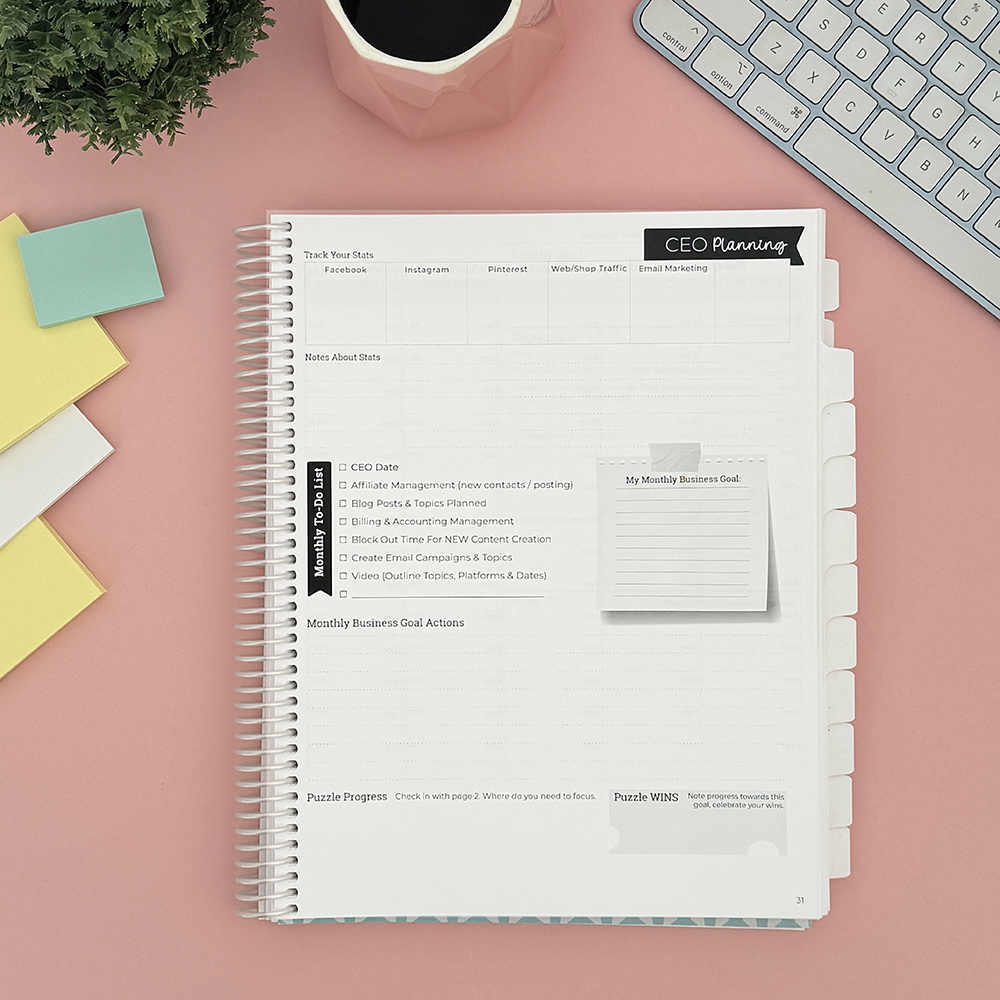
Each month there’s a spot to review your social media presence and track your numbers. During this time, I make a note of the actual numbers for my accounts. (Remember, our goal isn’t simply big numbers, but real followers who can be customers someday or others in our niche.)
Next, I schedule time to plan new topics for the following months. I work these tasks into my monthly or daily schedule. Some days I move them to other pages, but it sure helps me plan ahead!
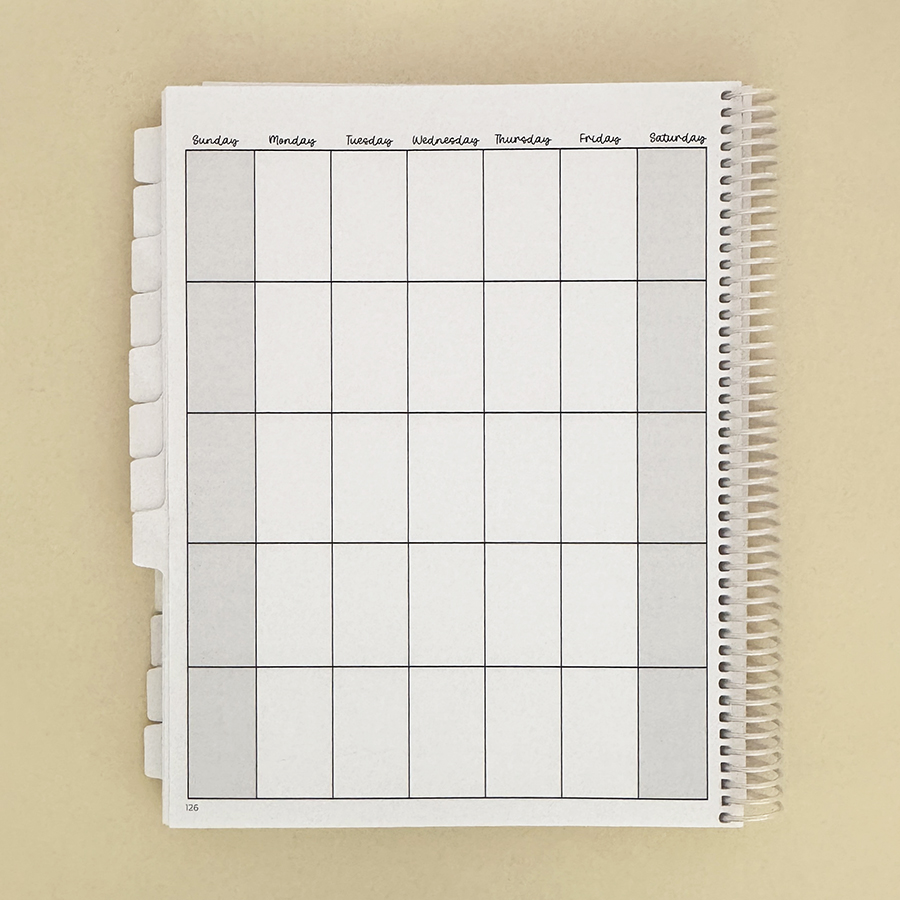
Don’t forget affiliate income and email. I schedule in time to handle these, and it’s amazing how they help my business grow. Don’t skip them. You’ll be so glad you did these tasks a year from now.
Weekly Pages
Each week there’s a place to note what you plan to PROMOTE.
These pages aren’t for CREATING content. They’re for promoting ‘old’ content, meaning you already wrote the blog post and have the copy ready for this week’s scheduled email.
This is so helpful, because if you go live, you can mention, “Hey, if you like this, be sure to check your email for the ‘blah blah blah’ that went out yesterday.” And be sure to work in a fun note reminding people who aren’t on your email list to get on it!
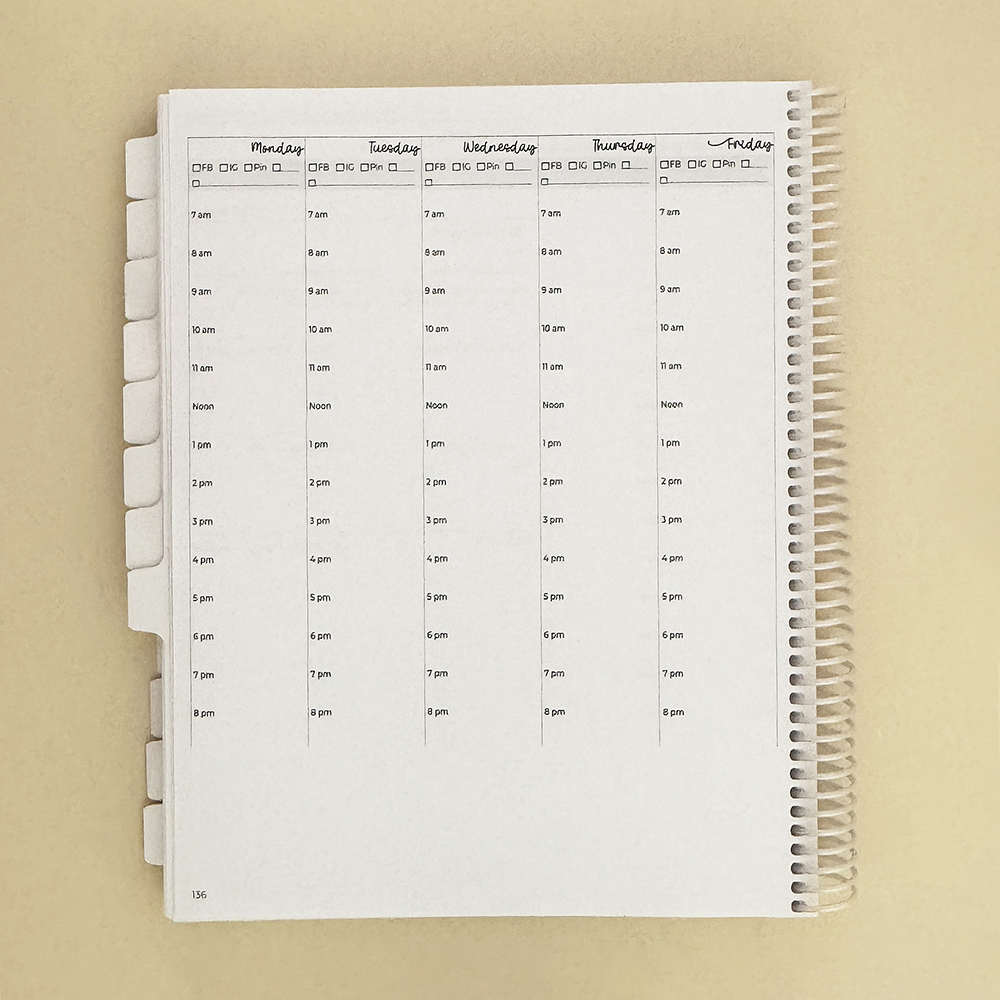
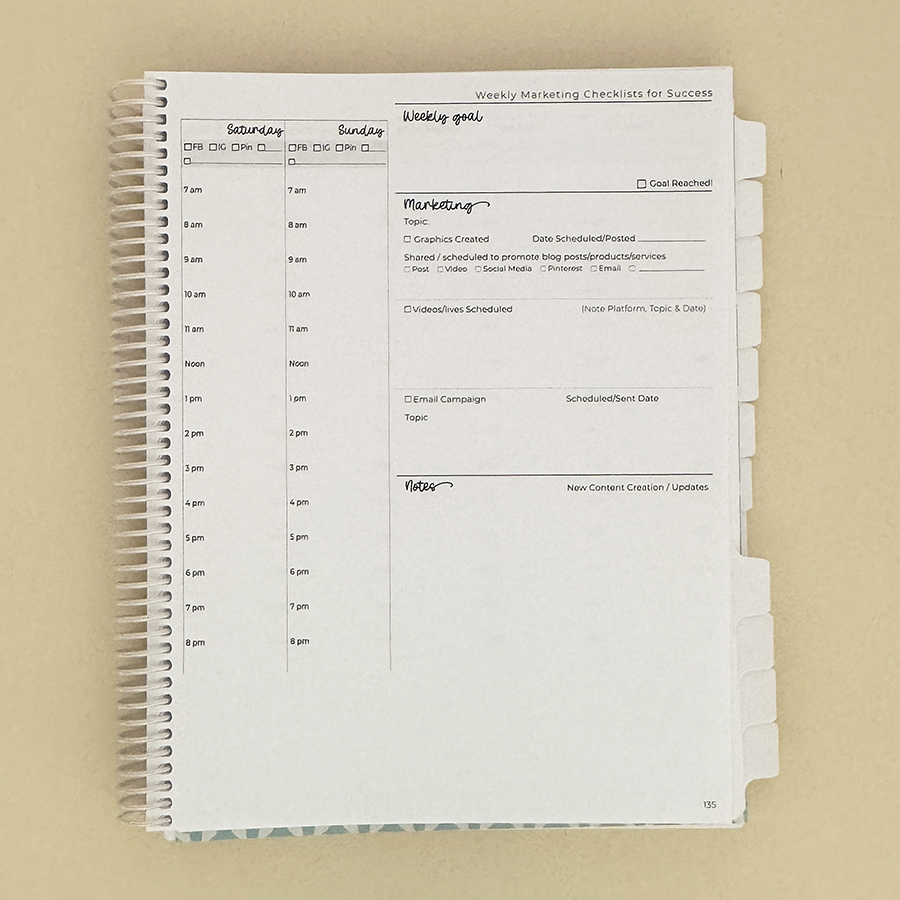
You can do the weekly marketing tasks all at once, or each week as needed. I like to block off 20-30 minutes each Monday morning for my marketing. That way, I know the content I’m promoting is done and scheduled before the day it goes out.
A lot of what I promote is done already, but I like to add stories, reels or Lives in real time. I also post and comment in Facebook groups that aren’t mine, which I can’t schedule ahead of time. Planning reminds me to do them.
Daily Pages
Each day has a set of check marks for social media. Some days I do them all at once for the week. But usually, I work them into my day, like the Instagram checkbox. Some days it’s a Live or a Story, other days a post in the feed.
Using a Planner for Your Etsy Shop, Craft Shows and Handmade Business
No matter how you sell, the planner works the same way: decide what you’re promoting, then plan your posts around it. (The free course included teaches you how to do this.)
- Etsy shop: use the monthly pages to choose which listings to promote and when, so you’re posting about holiday items before the holiday rush, not during it.
- Craft shows: add your show dates to the monthly view, then use the weekly pages to plan your “come see me” posts the week before.
- Your own shop or website: plan your emails and blog posts on the same page as your social posts, so they all point to the same thing.
Are you Selling at Craft Fairs?
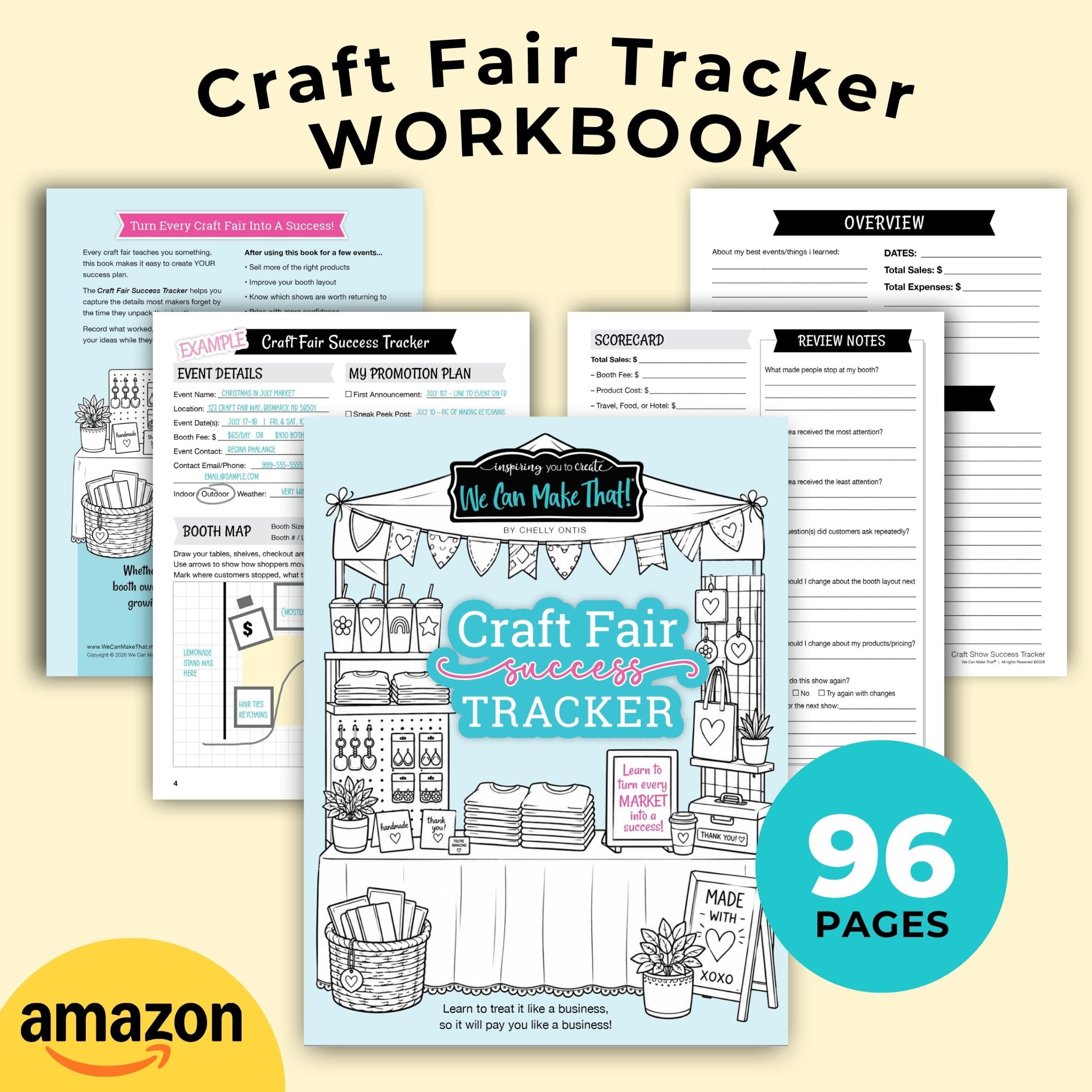
Grab my Craft Show Tracker. Keep every show, booth fee, and sale in one place, so you can see which shows are worth going back to.
How This Planner Helps You Grow
As I developed this planner, I realized being ‘me’ online is key to growing the right audience. Finding time to post as me and as my brand is what I forgot to do time and time again.
I admit, some days I have NO check marks in sight. But most days, this planner helps, whether it’s reminding me to throw up a meme or a fun pic from my phone, or to schedule and do a 45-minute Live. The result: GROWTH!
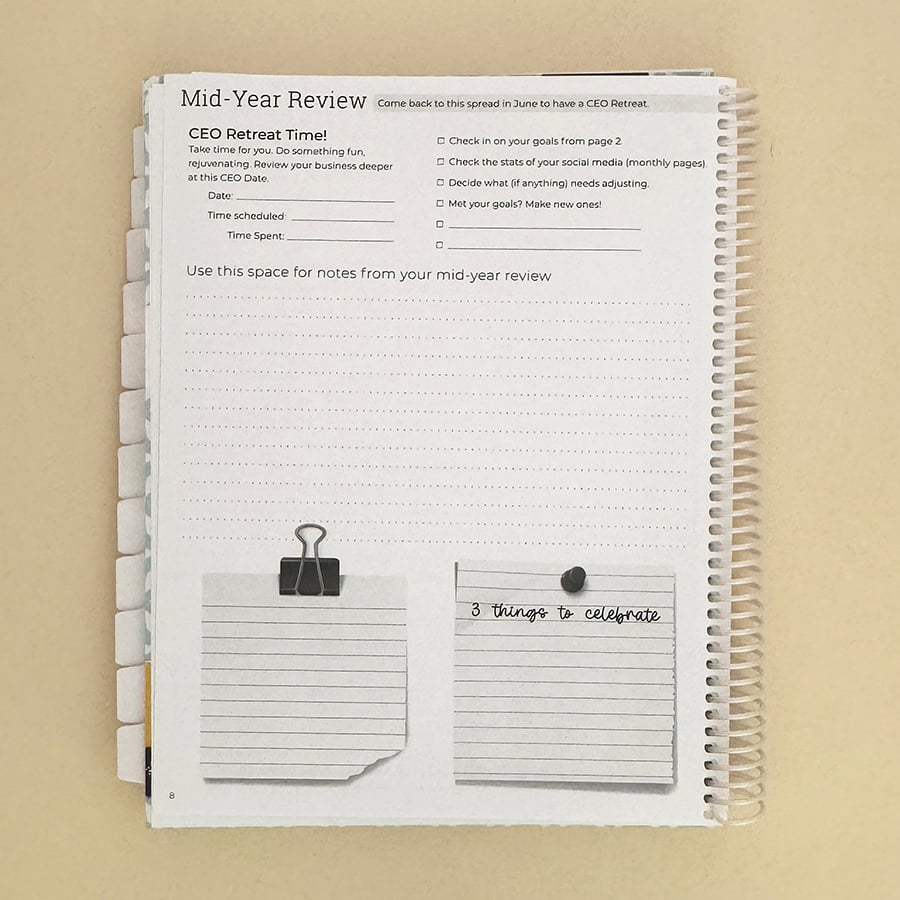
After I started using my own planner, my Instagram grew. In fact, by the time I wrote my first version of this post, it had doubled! And I was great about removing creepy dudes and fake accounts along the way, so these are amazing, chatty followers.
My graphic design Facebook business page was at around 300 when I started using my planner. (That page takes a little more work for content than my DIY page, We Can Make That.) Seeing it double made me smile, but seeing my reach up around 14,000 made me do a little happy dance! (And this girl can’t really dance, but I was happy, no doubt!) Haha.
Comparing Planners?
If you’re still deciding, read my guide to the best small business planner for 2027. It covers what to look for in any planner, undated vs. digital, and who it’s (not) for.
Ready to Get Organized?
So why wait? If you read this far, you know it will help you. It’s great for real life, too, because you can fit in all the things that happen in a mom’s life or a 9-to-5 life.
Grab the craft business planner here, and I’d love to see your selfie with your planner on my Facebook page.
Ready to Grow Your Business Without the Overwhelm?
Grab your Small Business Marketing Planner + Course today!Planner Options: [Undated] Spiral-bound, or 2027 Digital versions.
Includes a FREE $300 Marketing Course to help you plan smarter, post with purpose, and grow faster. Order today!